
Your filing was rejected.
We can fix that right now.
Your court filing got bounced by a page size check, a searchability issue, or a live form field. docu fixes those mechanical problems right in your browser, checked against your court's rules. Your document never leaves your computer.
Upload the PDF you need fixed
Drag it here, or choose a file to begin
Everything happens in your browser
We re-check every file before you go
Check any file with no connection needed
It wasn't your case. It was the file format.
A rejection feels like a verdict. Almost always, it's a formatting note. Here's what docu handles automatically.
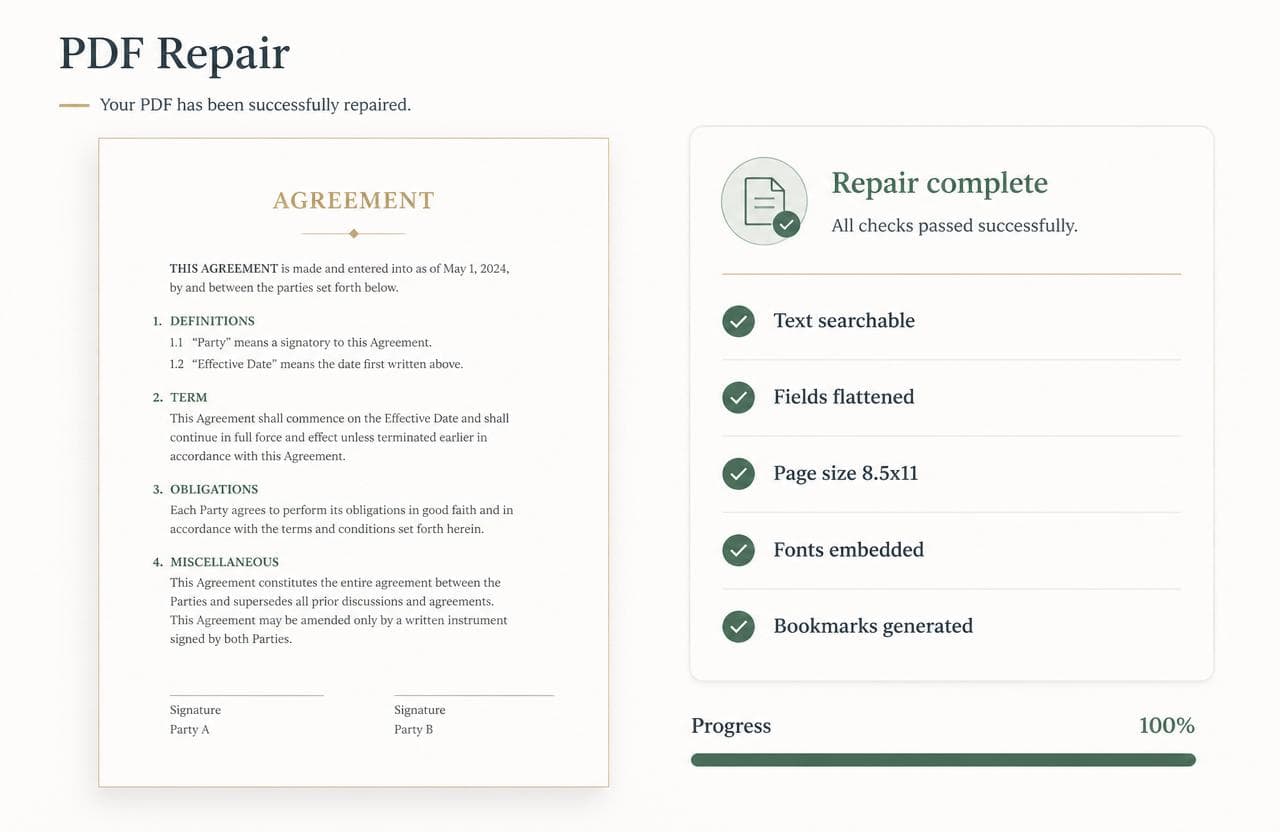
Text-searchable pages. Scanned pages get a proper OCR layer so clerks and judges can search the document.
Live form fields, flattened. Interactive fields are baked into the page so the file is a true final document.
Correct page size and margins. Pages are normalized to the size and margins your court expects.
Bookmarks and metadata. Required bookmarks are generated and hidden metadata is stripped clean.
Find the exact requirements for your e-filing system.
Every system checks PDFs against its own rules. Read what yours expects — then fix your file before you refile.
- CM/ECFText-searchable, under your district's size cap, and free of security settings — what CM/ECF expects from a federal filing PDF.
- NYSCEFText-searchable, PDF/A-compliant, and free of passwords or scripts — what NYSCEF expects from an e-filed document.
- eFileTexas.govWhat eFileTexas.gov requires of a PDF, the rejections Texas clerks cite most, and how to fix yours in the browser.
- California court e-filingThe text-searchable PDF rule under California Rule of Court 2.256, county size limits, and how to fix a rejected filing in the browser.
- Florida Courts E-Filing PortalText-searchable, letter-size, unencrypted PDFs for the Florida Courts E-Filing Portal — and where PDF/A really fits.
- All court systemsBrowse PDF requirements for every court docu supports.
Court PDF problems, answered.
- Why was my court filing rejected?
- Most e-filing rejections are mechanical formatting problems, not problems with your case: the PDF isn't text-searchable (a scan with no OCR layer), it still has live fillable form fields, the page size isn't exactly 8.5×11 inches, the file is over the court's size cap, it's password-protected, or it contains scripts or hidden layers. docu detects each of these and fixes what it can automatically.
- How do I make a scanned PDF text-searchable for court?
- Courts like CM/ECF, NYSCEF and California require text-searchable PDFs. docu runs OCR on scanned pages entirely in your browser and adds an invisible, searchable text layer beneath the image, so a clerk can select and search the text while the page still looks identical.
- How do I flatten a fillable PDF form for e-filing?
- Interactive AcroForm fields are the #1 cause of CM/ECF upload rejections. docu flattens form fields, annotations, and optional-content layers into the page so the document is final and prints exactly as filed — no separate Acrobat license needed.
- What page size and margins do courts require?
- Nearly every court requires US Letter, exactly 8.5×11 inches (612×792 points); an oversized page makes the court's electronic stamp illegible and triggers an automatic rejection. docu normalizes Legal, A4, and oversized exhibit pages to Letter without clipping your content.
- My PDF is too large to file — how do I shrink it?
- Court portals and email have hard size caps (often 25–50 MB). docu downsamples oversized embedded scan images to bring the file under your court's cap while keeping every page intact, and re-checks the result so you know it fits.
- How do I remove a password or security from a court PDF?
- Clerks can't open password-protected or encrypted filings. docu detects encryption up front and guides you to unlock it in your PDF reader (or print it to a fresh PDF), then re-upload — it never hands back a corrupted file.
- Which courts and e-filing systems does docu support?
- docu ships court-specific rule profiles for U.S. Federal CM/ECF, New York NYSCEF, California (Rule 8.74 / Odyssey), Texas eFileTexas (Odyssey), and Florida ePortal, each citing the authority behind every requirement.
Court-ready in minutes, right in your browser.
docu checks your PDF against your court's rules and repairs the mechanical problems that got it bounced — then issues a compliance certificate. Your document never leaves your device.
Fix my filing nowNot legal advice, mechanical formatting only.